
Obsidian Web Apps plugin
I wrote about some local-only web apps I made and how they differ from local-first software that synchronizes data across devices. Often, local-first software is about documents. That's certainly the case for the specialized diagramming tools I've been creating. They allow exporting and importing YAML files, but it's cumbersome for those files to be the primary means of managing documents, since every download produces a new file rather than updating an existing file. Chrome has a file system API that allows direct access to local files, but Firefox is my default browser and it's opposed to adding similar capability. However, since I use Obsidian Sync, I already have a local-first app that synchronizes across devices. My initial attempt to leverage Obsidian in my web apps was to add a button that copies the app's YAML data to the system clipboard, which can then be pasted into the frontmatter of a note. While that worked, it still wasn't ergonomic enough to do frequently. A better workflow required integrating the apps directly into Obsidian using a plugin.
Obsidian has a huge number of community plugins. Plugins support custom HTML and logic, so I could have rebuilt the web apps as dedicated plugins, but I didn't want to make a custom plugin for each tool, just one plugin that bridged between Obsidian and my web apps. I've dabbled a little in making Obsidian plugins, but since I could define the solution clearly and was more interested in the end product than in the process of building, I tried my hand at vibe-coding and asked Claude to make a plugin. You can find it here. I reviewed the code enough to be familiar with it, so if you have suggestions for improvements, feel free to open an issue or pull request.
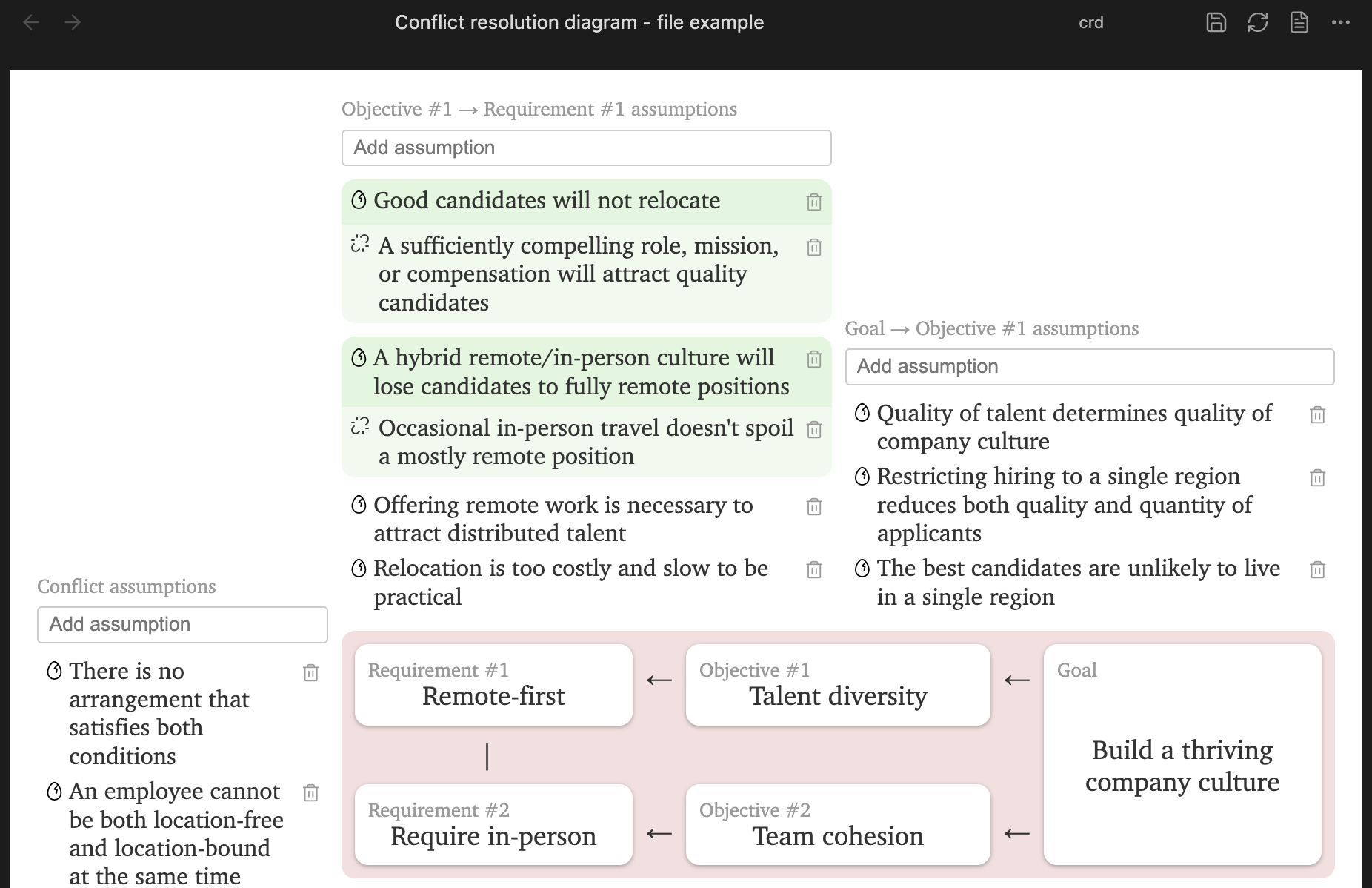
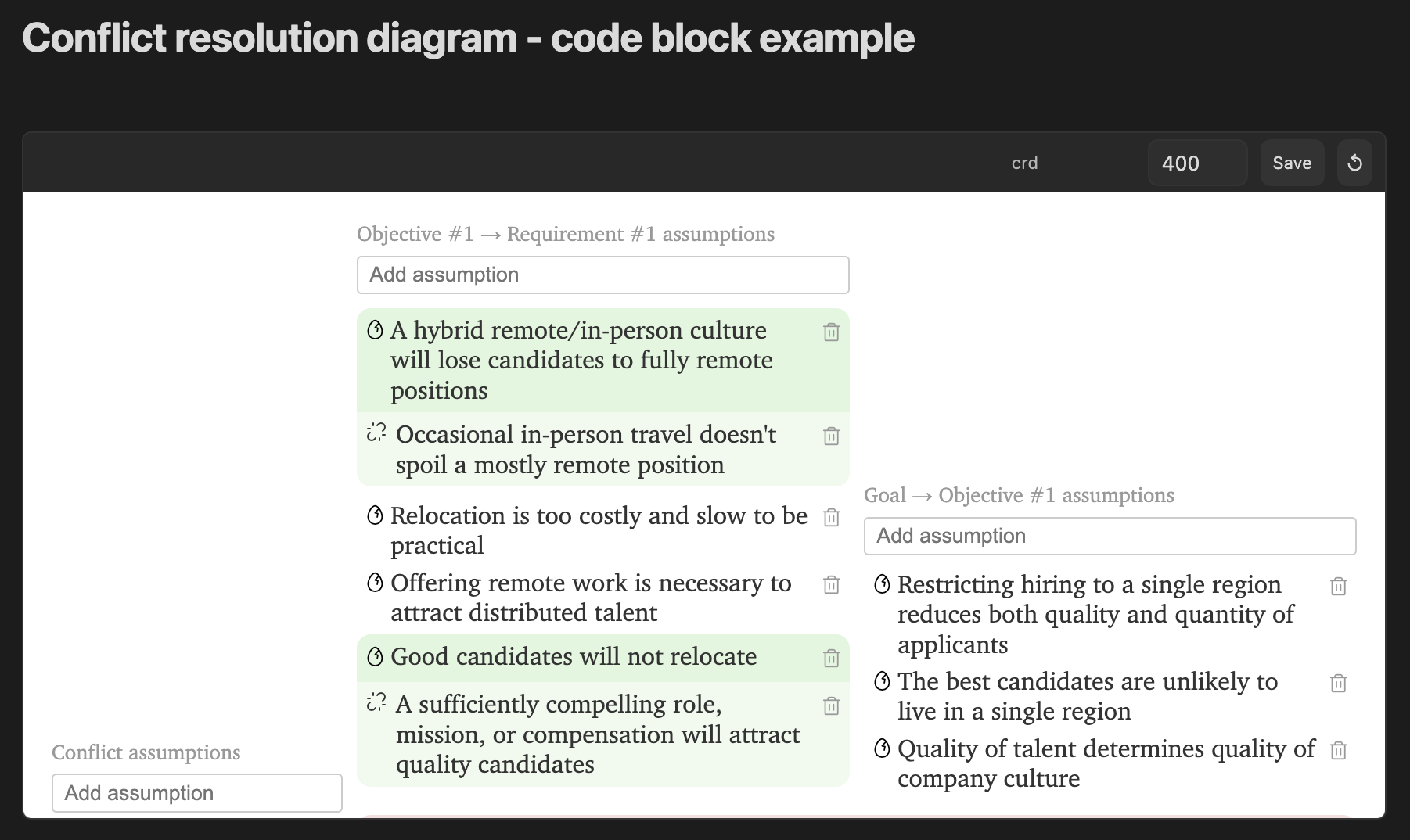
At heart, all the plugin does is transmit data back and forth between the Obsidian note and the web app. It loads the web app in an iframe and passes data to it in a message. Web apps pass messages back with data that the plugin saves to the file. The web app can be the whole tab, in which case the note's YAML frontmatter is passed to the app as JSON, or the web app can be sourced from a code block, and only the code block's YAML content is given. More details on the message-passing protocol are in the README.
The plugin supports multiple web apps. Configure names and URLs in the plugin's settings, then specify which web app to load by adding a webapp key whose value is the name you gave the web app. There is a toolbar with a "Save" button to ask the web app for the current state. When the web app is sourced from a file, you can switch to a Markdown view. When sourced from a code block, you can specify the height of the iframe.
It can also be used in the mobile version of Obsidian.
I've been using the plugin here and there for about a month, so it's far from battle-tested, but in my experience the weak point is my web apps, not the plugin. I'm not 100% convinced this is a good idea. The plugin allows web apps to read data from and write data to the Obsidian notes you use it in, so only use web apps you trust. You should also have Obsidian Sync, Git, or some other version control system that backs up files you use with the plugin, since a web app that returns empty values will remove data from the file. If you have security concerns, definitely email me.
Do you have other techniques for managing specialized documents across devices? I'm all ears.